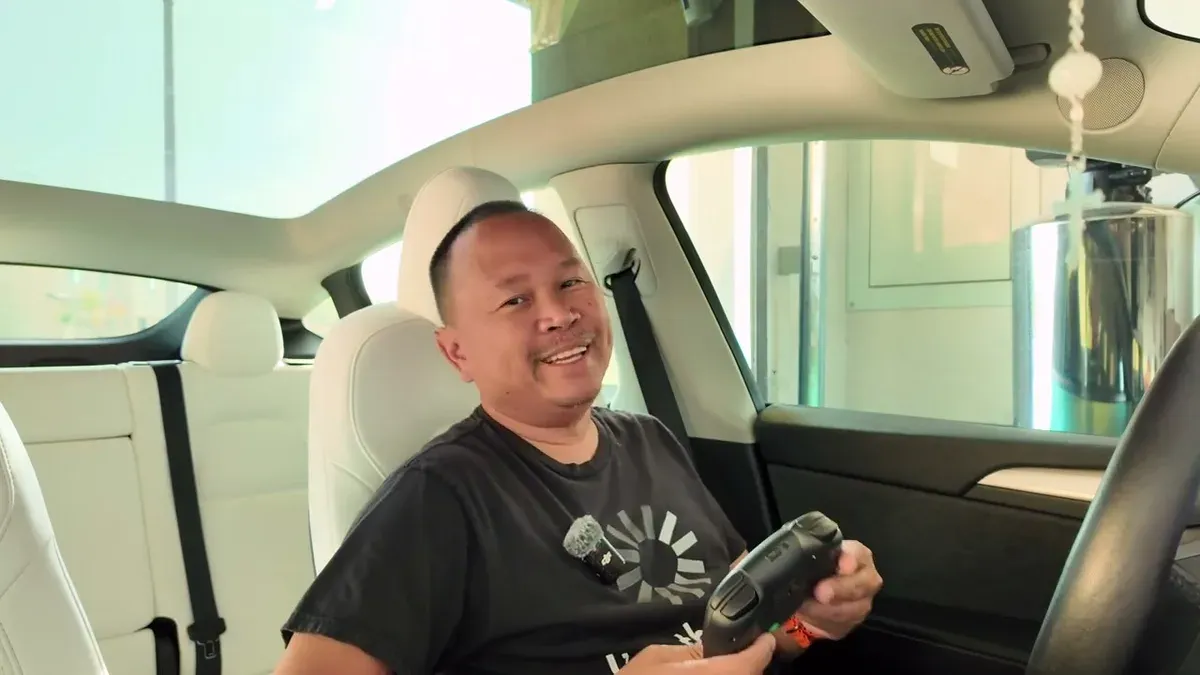
Jowua provided these products at no cost for review. All opinions are my own.
The Model Y doesn’t have Steam. That’s the Model S and Model X refresh. What it does have is a full arcade built into the screen, and with Jowua’s controllers and a USB hub, you can actually run two players at the same time. My son and I tested it. Here’s exactly how it works.
Why the Model Y Is Different From the Model X
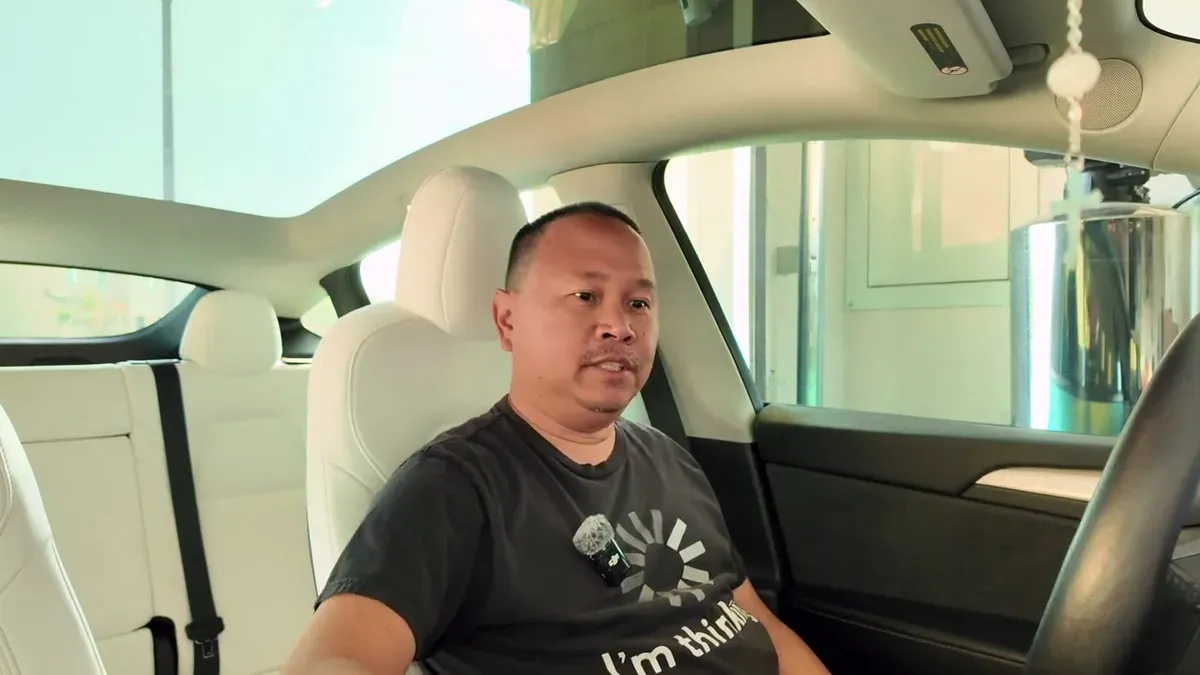
When I set up the Jowua gaming kit in the Model X Plaid, I had access to Steam: a full PC game library on the front screen. The Model X Steam gaming setup has that going for it. The Model Y is a different situation. No Steam partition, no NVMe SSD required. What you get instead is Tesla’s built-in arcade, which runs on both the front and rear screens independently. Different experience, but it works without any storage setup at all.
The Spring 2024 UI update also changed how the menus look, so if your screen looks different from older tutorials online, that’s why.
Connecting the First Controller
Pairing is straightforward. From the home screen, tap the car icon bottom-left, then Bluetooth in the top right. Hold the sync button on top of the Jowua controller until “Pro Controller” appears in the list. Tap connect, the controller vibrates, and you’re in. The controller shows up immediately in the paired devices list.
From there, go to the three-dot menu and tap Arcade to get to the game library.
One quirk to know upfront: the A and B button mapping is flipped in some games. When the screen says “press A,” you’ll actually press B on the Jowua controller. It’s consistent within each game once you figure it out, and some games let you remap in settings.
Beach Buggy Racing 2: Better With a Controller
Beach Buggy Racing 2 doesn’t require a controller. You can steer with the actual steering wheel. I don’t love that option. When the car is parked, turning the wheel grinds the tires on the ground, and that’s just unnecessary wear. The gamepad is the better call here.
Right trigger accelerates, left trigger brakes. Once I got that sorted I stopped going backwards. The game has a Ludicrous mode option because of course it does. I played Performance because that’s what the car is. Racing a Model S Plaid and a Cybertruck in the game while sitting in a Model Y felt about right.
The 2-Player Problem and the Fix
Here’s where it gets interesting. Bluetooth on Tesla only supports one paired gamepad at a time. The screen even tells you: disconnect your existing device to add another. So pairing a second controller over Bluetooth isn’t possible.
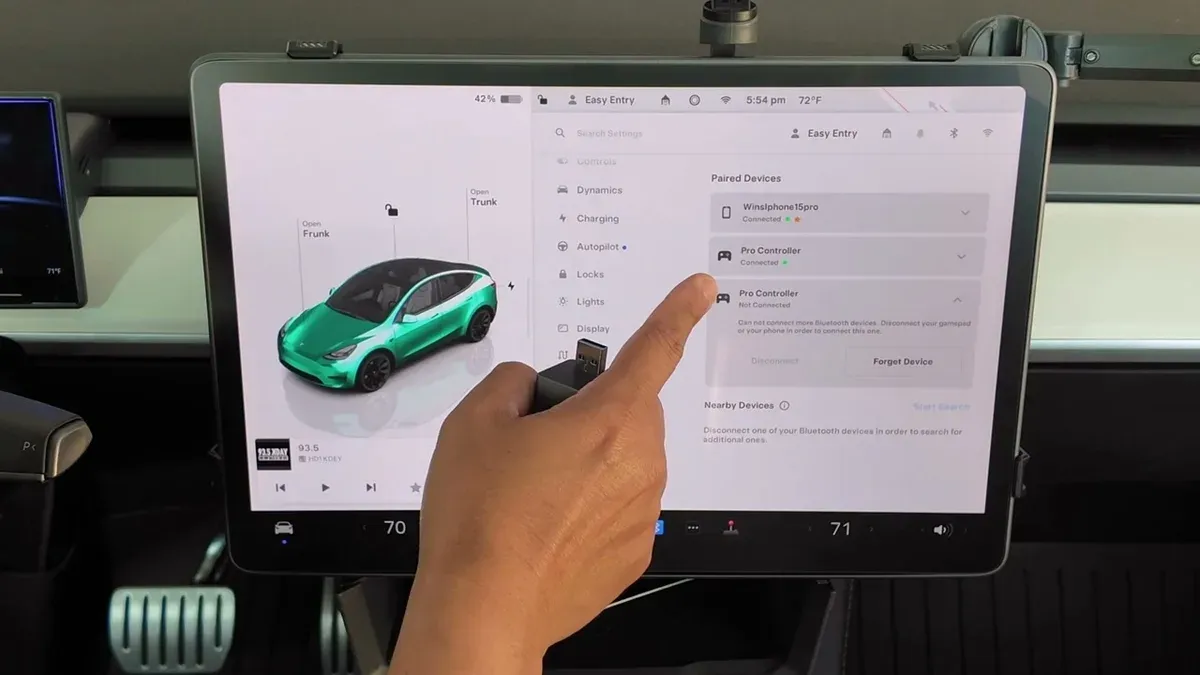
The solution is the glove box USB port. The second controller connects via the included USB-A to USB-C cable, plugged into the glove box data port. The problem: that’s the same port your Sentry Mode USB drive is in. Unplug that and you lose dash cam recording.
Jowua’s four-port USB hub solves it. Plug the hub into the glove box, then plug in both the Sentry Mode drive and the wired controller. The blue-lined ports on the hub support faster data transfer for the drive; the black ones handle the controller fine. Two controllers active at once, Sentry Mode still running.
Castle Doombad: Two-Player Co-Op
Castle Doombad is one of the few arcade games that explicitly requires a controller and supports up to two players. My son and I jumped into co-op mode with zero idea how to play. The game puts you as the villain defending a castle: you place traps, you send monsters, heroes try to break in.
Neither of us knew what we were doing. The tutorial is thin. But that “PLAYER TWO has joined” screen appearing on the display was genuinely satisfying after the whole USB hub setup. Both controllers were responsive. Bluetooth and wired felt identical in-game.
Cuphead: Beautiful, Brutal, Hilarious
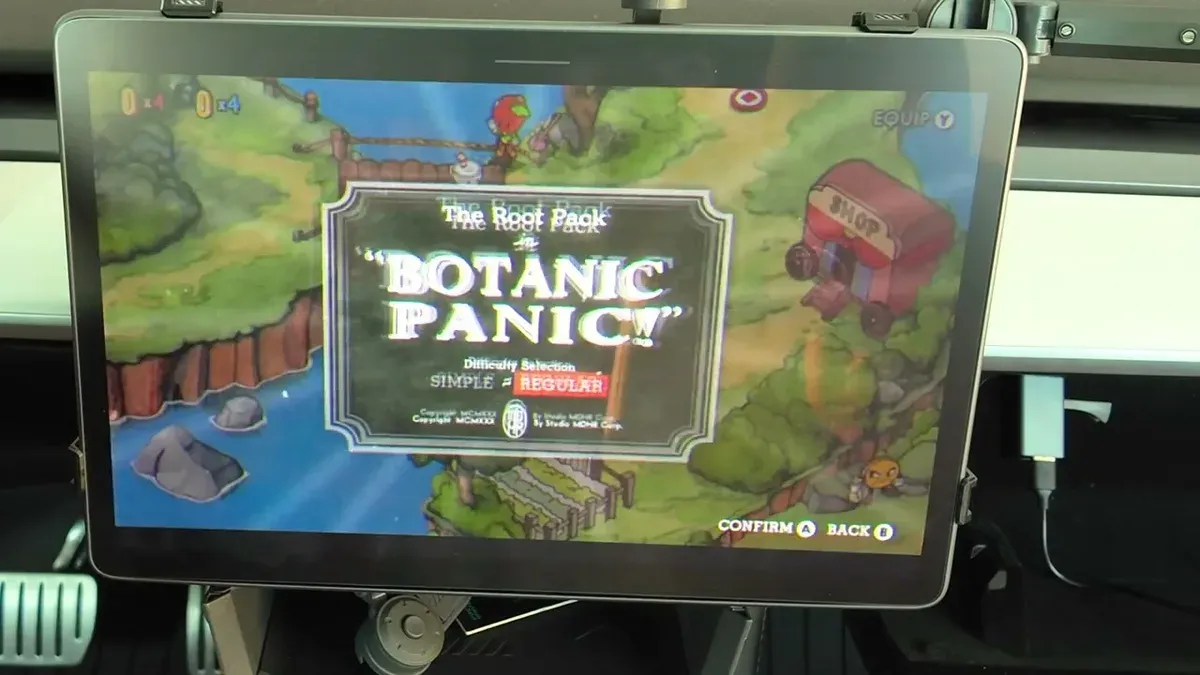
We moved to Cuphead, which I’d seen on YouTube and knew was hard. We did not anticipate how hard. The button remapping is a whole thing: the tutorial says “press A to jump” but the Jowua controller maps it to B. The shooting button, the dash, all shifted. Some games let you fix this in settings; Cuphead actually does once you know where to look.
We got to the Botanic Panic boss on the first run and promptly got destroyed. But two-player makes the chaos funnier. Someone’s always doing something wrong and it’s never your fault. For a notoriously difficult game, that might be the best way to experience it.
The Honest Verdict
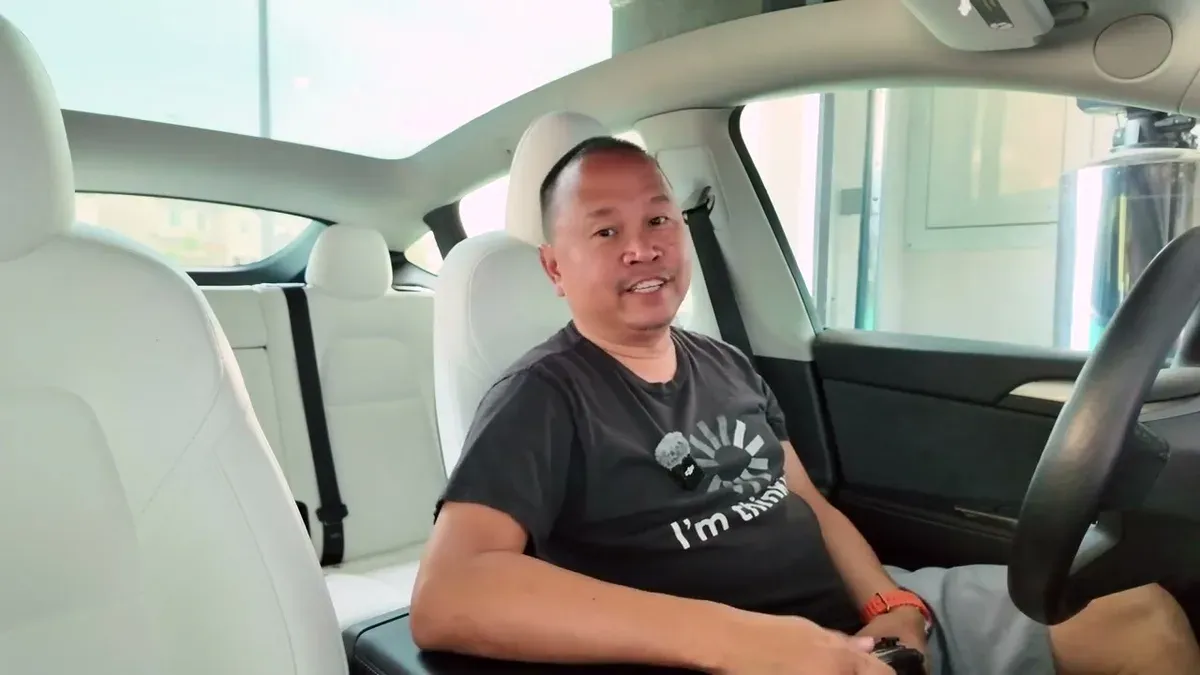
My productivity while Supercharging has been trending down since I got these controllers. I used to charge, run errands, come back. Now I sit there and play games. I’ve made peace with it.
The setup works: two players, both controllers responsive, arcade runs without any storage install required. The USB hub is the piece that makes it actually functional rather than a single-player workaround. If you’ve already been gaming solo in your Tesla, getting a second controller and the hub is all it takes to bring someone along.
What games are you playing in your Tesla? Drop it in the comments. I want to know what’s actually worth loading up.
For more on the Jowua lineup, I also reviewed their Model Y Juniper accessories if that’s relevant to your setup.
Leave a comment
Comments come straight to me rather than posting publicly, and I read every one. Your email is never published.