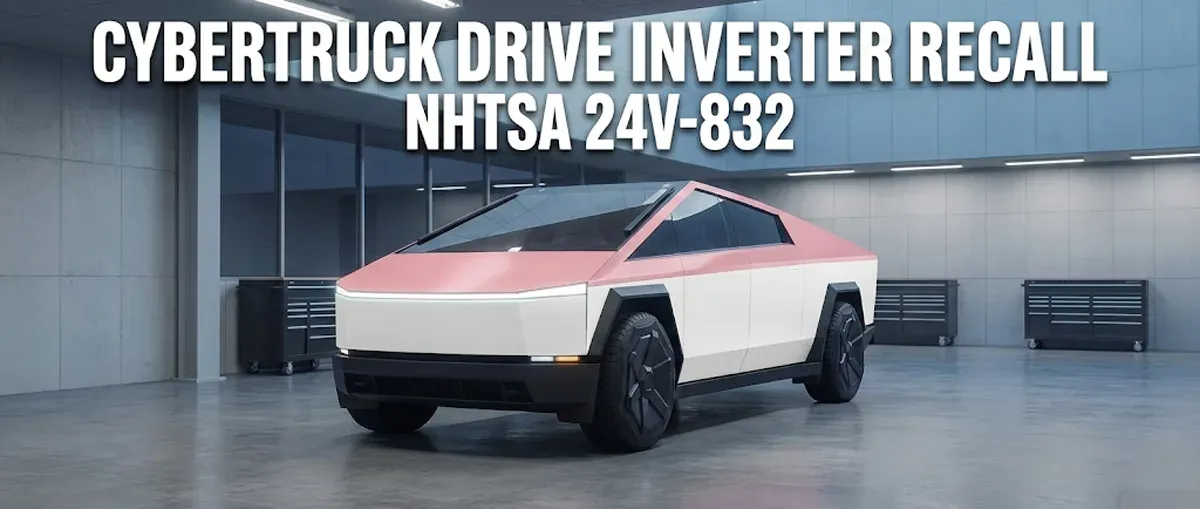
If you’re a Cybertruck owner, we need to talk. Part of owning the most advanced tech on four wheels is knowing when that tech needs a hardware intervention.
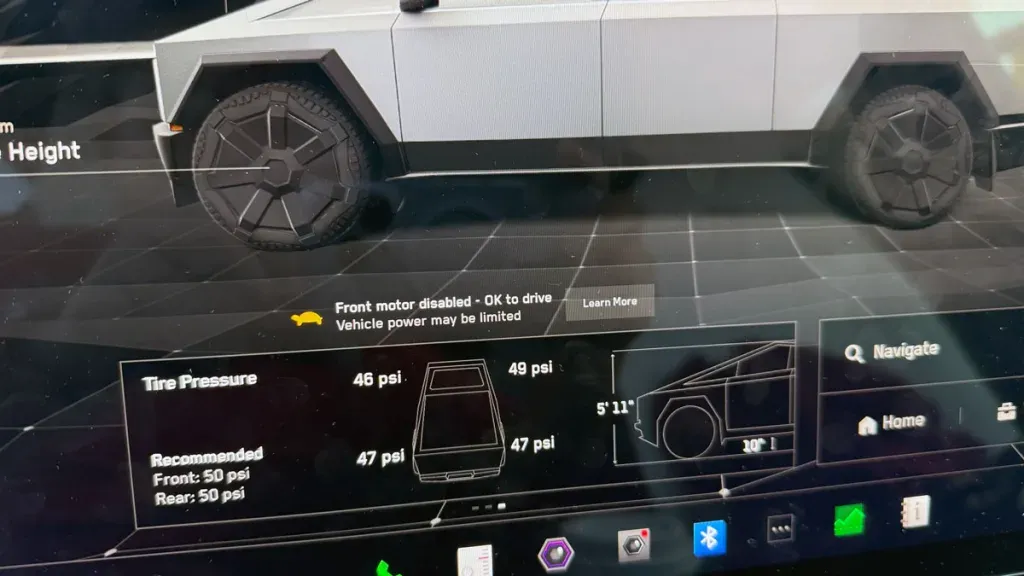
I’ve spent a lot of time behind the wheel of our Cybertruck, and while the OTA (Over-the-Air) updates usually handle our bugs, this latest one is different. We’re talking about a physical hardware failure in the drive inverter that could leave you stranded, or worse, in what owners are calling “Turtle Mode.”
What Is NHTSA Recall 24V-832?
Tesla has officially identified an issue with the drive inverter in certain 2024 Cybertrucks. Specifically, it involves the MOSFET (Metal-Oxide-Semiconductor Field-Effect Transistor) components.
In plain English: the inverter is the “brain” that tells your battery how to power your motors. If the MOSFET fails, that brain loses the ability to produce torque. This isn’t a software glitch you can wait out for an OTA fix. It’s a hardware defect that requires a physical replacement at a Tesla Service Center.
Symptoms of a Failing Inverter
The most common symptom is a sudden loss of propulsion. You might be cruising at 70 mph when the truck suddenly limits your speed significantly. You’ll see a notification on the center screen, often accompanied by a turtle icon. This “Turtle Mode” is the truck’s way of protecting itself, but it can be incredibly dangerous if you’re in the fast lane with no shoulder nearby. One of your motors essentially goes offline, leaving you with a fraction of the power you’re used to.
How to Check Your VIN (Don’t Skip This)
Tesla has a dedicated portal for this, and it’s the first thing I did when the news broke. You don’t have to wait for a letter in the mail.
- Find your VIN: grab it from the bottom of your windshield, the Tesla app, or the “Software” tab on your truck’s touchscreen.
- Use the Tesla VIN Recall Search: head to Tesla’s official recall page and plug it in.
- Check the status: it will tell you if the recall is “Open” (you need the fix) or “Closed” (already handled).
According to the Tesla webpage, our Cybertruck has already had this repair completed. If yours shows as “Open,” schedule service immediately.
Key Takeaways for Owners
- It’s free: because this is an official safety recall (NHTSA 24V-832), Tesla covers the entire cost of the replacement.
- Hardware, not software: this cannot be fixed with an OTA update. You must visit a Service Center.
- Safety first: if you experience a sudden loss of power, safely pull over. Don’t try to limp the truck home over long distances.
- Check regularly: even if you aren’t affected by this specific batch, it’s good practice to check your VIN periodically given how new the Cybertruck platform is.
My Personal Experience at Service
When we brought our truck in, the process was straightforward. Tesla is well aware of the drive inverter issues and has been proactive about swapping these units out. Here’s the video from when I found out our inverter needed to be replaced:
Final Thoughts
We love the Cybertruck, but being an early adopter means staying on top of these recalls. Don’t play games with your drive units. Check your VIN and make sure your truck is as reliable as it is futuristic.
Leave a comment
Comments come straight to me rather than posting publicly, and I read every one. Your email is never published.