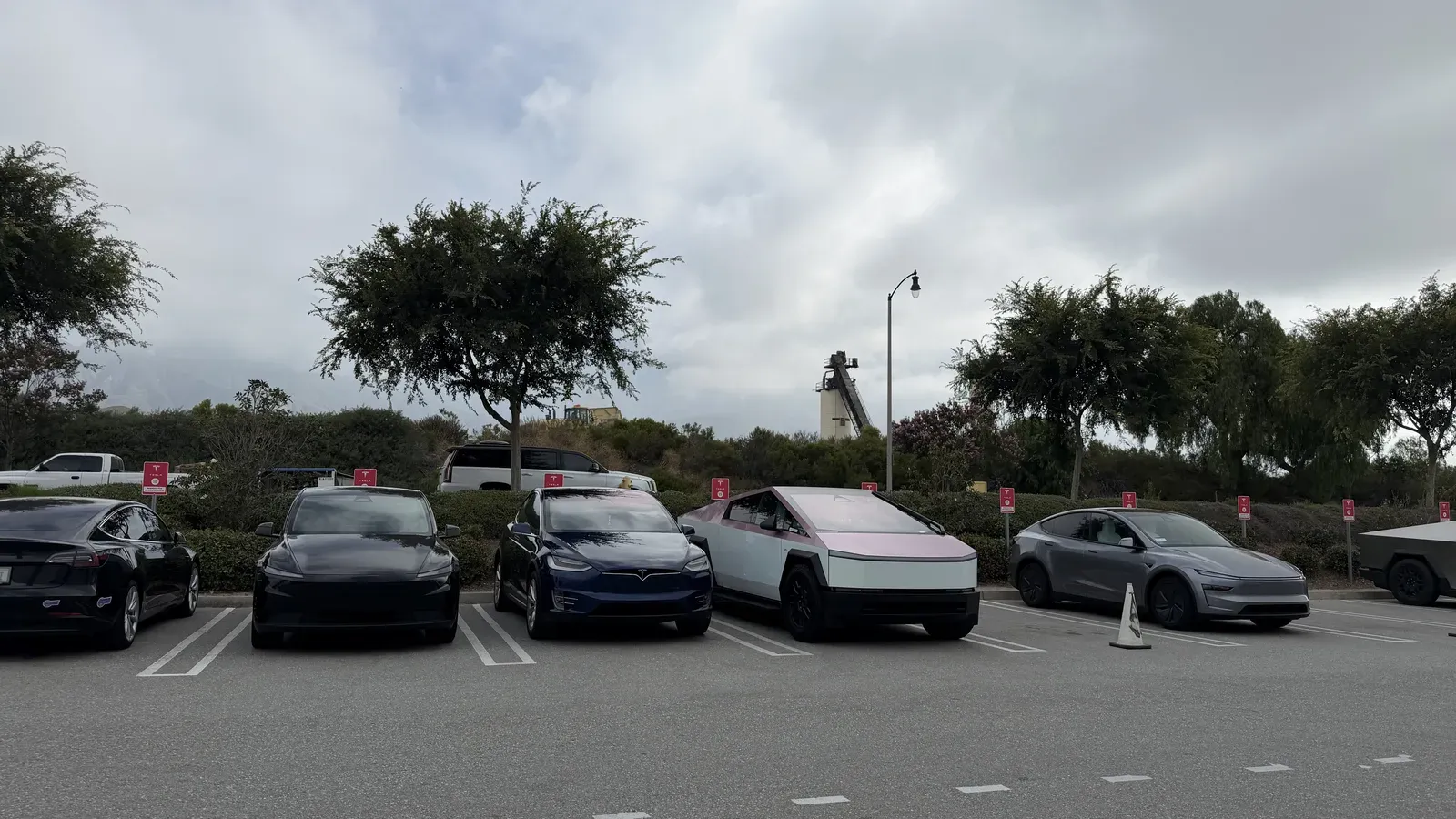
“Air suspension unable to raise. Functionality may be restored on next drive.” That message kept showing up on my Cybertruck, always disappearing after the truck sat parked for a while. By the second or third time, it was easy to write off as another software glitch. I didn’t, and I’m glad, because the Cybertruck air suspension problem turned out to be hardware.
I’ve owned seven Teslas since 2019, and if there’s one thing I’ve learned the hard way, it’s this: document everything and get it into the service history. So instead of chasing a fix on my own, I booked an appointment and brought it in. Here’s the whole visit, start to finish.
The Cybertruck air suspension warning that wouldn’t quit
The alert would flash while driving, then clear itself once the truck was parked. That on-and-off behavior is exactly what makes these warnings so easy to ignore. Someone in the Cyber Odyssey chat group even suggested a fix I could try myself. I passed on it. I wanted this in Tesla’s records, so if anything worse came up later, there’d be a documented trail.
That’s the habit from my two buybacks on the Model X: take pictures, because the screenshots carry a date and timestamp you can hand to the technicians during diagnostics. My only worry was timing. It had been almost two weeks since the last occurrence, and the logs don’t always stay in the computer that long.
Inside the Cybertruck air suspension fix
Here’s the part that genuinely impressed me. As soon as you roll into the service center geofence with an active appointment, your Tesla connects to their network and starts running diagnostics before you even park. My service advisor, Dorian, was already picking up faults on his system as I pulled in.
The early read pointed at a suspension valve and what he called a scuba valve. So this was never a software glitch. Something was actually failing. That confirmation alone justified the trip.
When I picked the truck up, I asked to see the technician notes in person. The write-up was clear: the technician verified the air suspension alert for inability to raise, found the air compressor was unable to build pressure when powered on, then replaced the air suspension compressor and valve block assembly. After that, they pressurized and depressurized the full system and confirmed the repair with no alerts present during testing. One detail surprised me: there’s only a single compressor system in the entire truck. I always assumed there was a front and a rear unit.
If you want to understand what these components do, Tesla’s own Cybertruck owner’s manual is worth a read, but the short version is that a failing compressor and valve block is a real part failure, not something a reboot fixes.
The extras: tire rotation, wipers, and a HEPA filter
Since the truck was already going in, I stacked on the maintenance I’d been putting off. I was well overdue for a tire rotation at around 8,500 miles.
I also asked about the wiper blade and the HEPA filter. Normally you save money installing these yourself, so I asked Dorian to break down the cost. Installation was $15 per part. He mentioned the wiper is the tricky one because it’s big and heavy. He’s over six feet tall and still needs a ladder to do it, so I told him to just add both to the service. The HEPA filter felt about due too. We’ve had the truck a year and a half, and I was starting to catch a faint condensation smell, nothing like the smelly-sock issue people report on the Model 3 and Model Y, but enough to justify a fresh one.
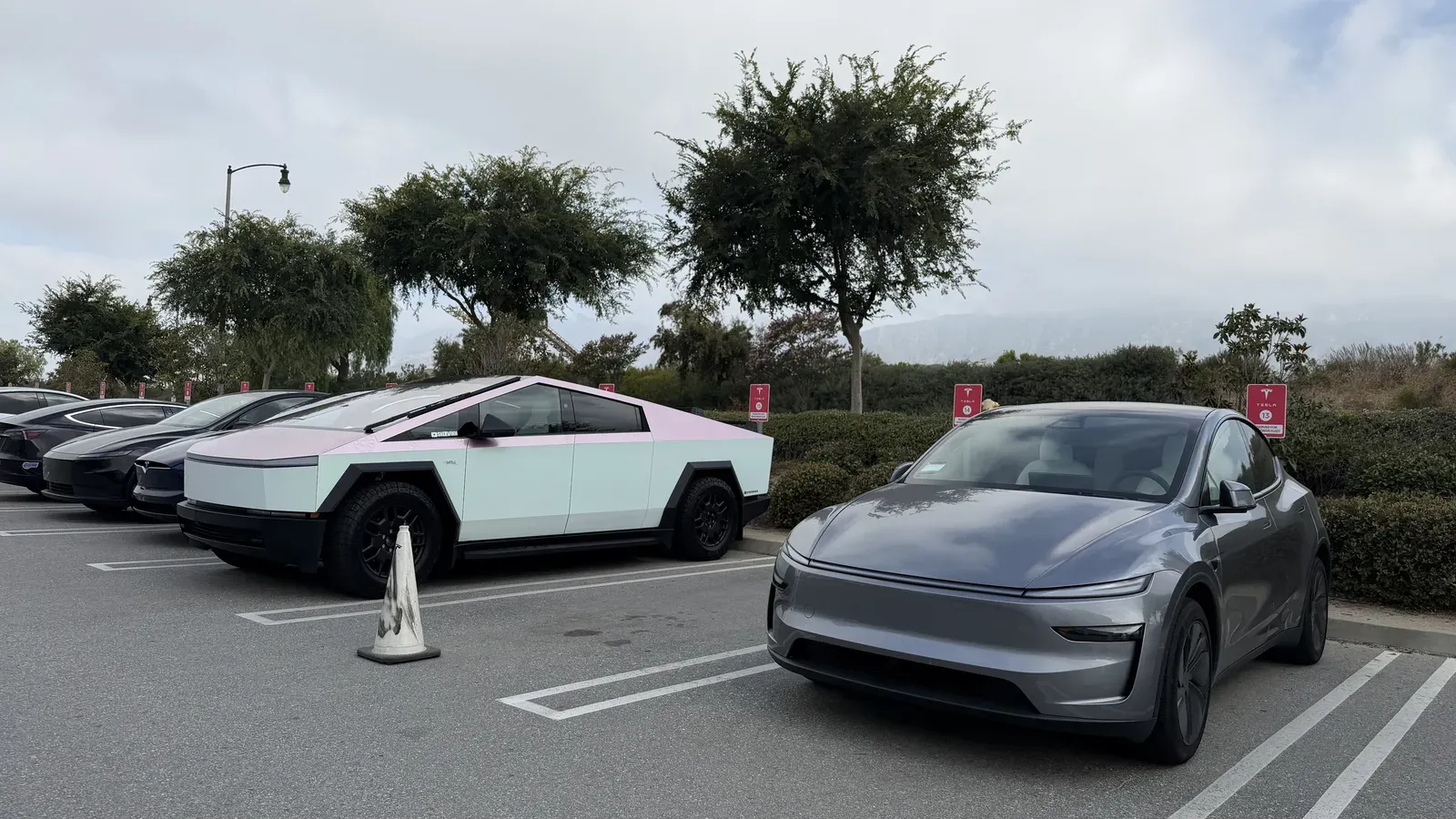
Estimated turnaround was Wednesday, but I got the pickup notification a full day early. Small wins.
Two things that caught me off guard at pickup
First, the PIN to Drive. After I paid using my referral credits, a message told me I’d need to enter a PIN when I got in the truck. PIN to Drive itself isn’t new, but I’d never had to enter one just to pick up a vehicle. By the time I actually pressed the brake pedal, the PIN prompt didn’t appear, so it seems tied to the payment step.
Second, and this is the recurring one: Tesla rotated my tires but did not reset the service reminder, and the same went for the wiper blade and HEPA filter records. I had to go in and reset all three myself so the truck would stop nagging me. Come on, Tesla. I brought it here and I paid for it. That’s on them to reset, not me. So always double-check those records after any visit, even at a Tesla service center.
Don’t ignore the alerts
Huge thanks to everyone using my Tesla referral link. Shout out to Edwin, who just took delivery. I used the rewards to cover the majority of the maintenance this time around, which is the same story as the time I broke my own Cybertruck. You don’t have to be in the US to use it, so if you’re getting a new Tesla, I’d genuinely appreciate it.
Here’s the real takeaway. Don’t ignore these notifications assuming they’re software quirks, because this one was a failed part. If you’re under warranty, just bring it in. They’ll fix it, and if they can’t, they’ll buy it back. I’ve said before to treat every alert as real until proven otherwise, and this visit is exactly why. To me, Tesla is a tech company before it’s a car company, and while the hardware still has its issues, the ecosystem and the warranty support are why I keep coming back.
Have you run into the air suspension warning on your Cybertruck? Let me know what your service center found in the comments.
Leave a comment
Comments come straight to me rather than posting publicly, and I read every one. Your email is never published.